
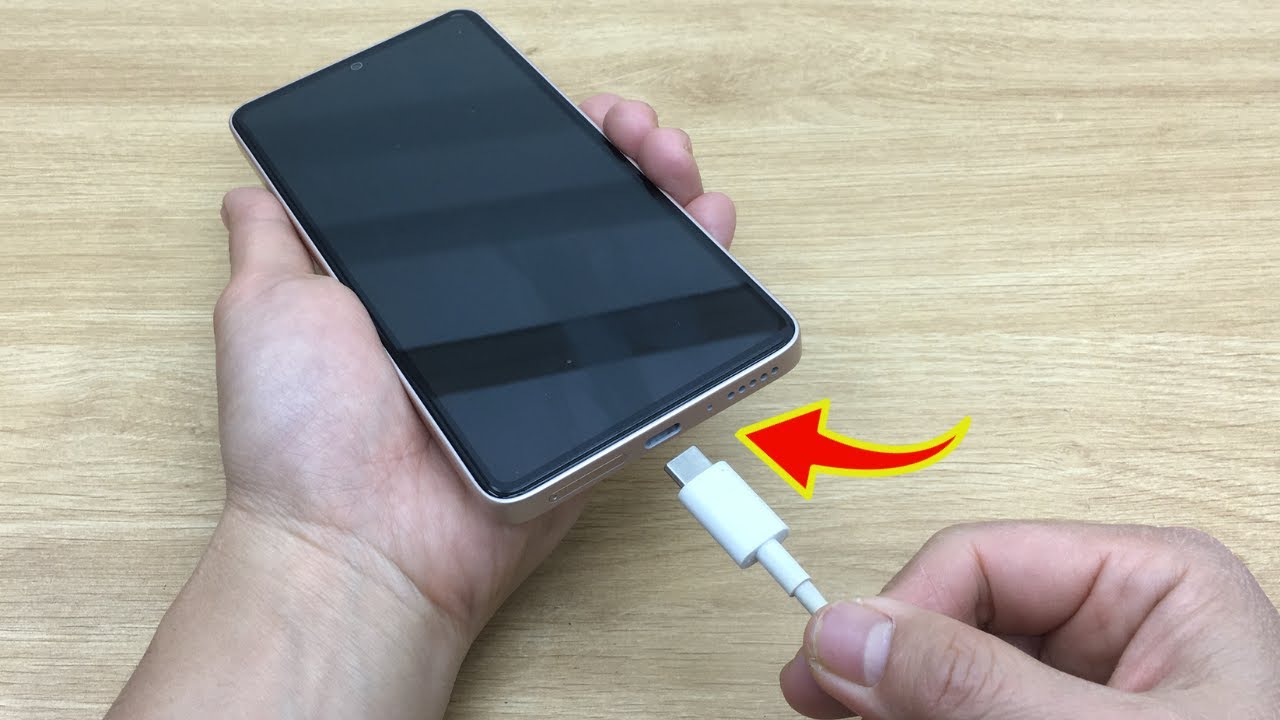
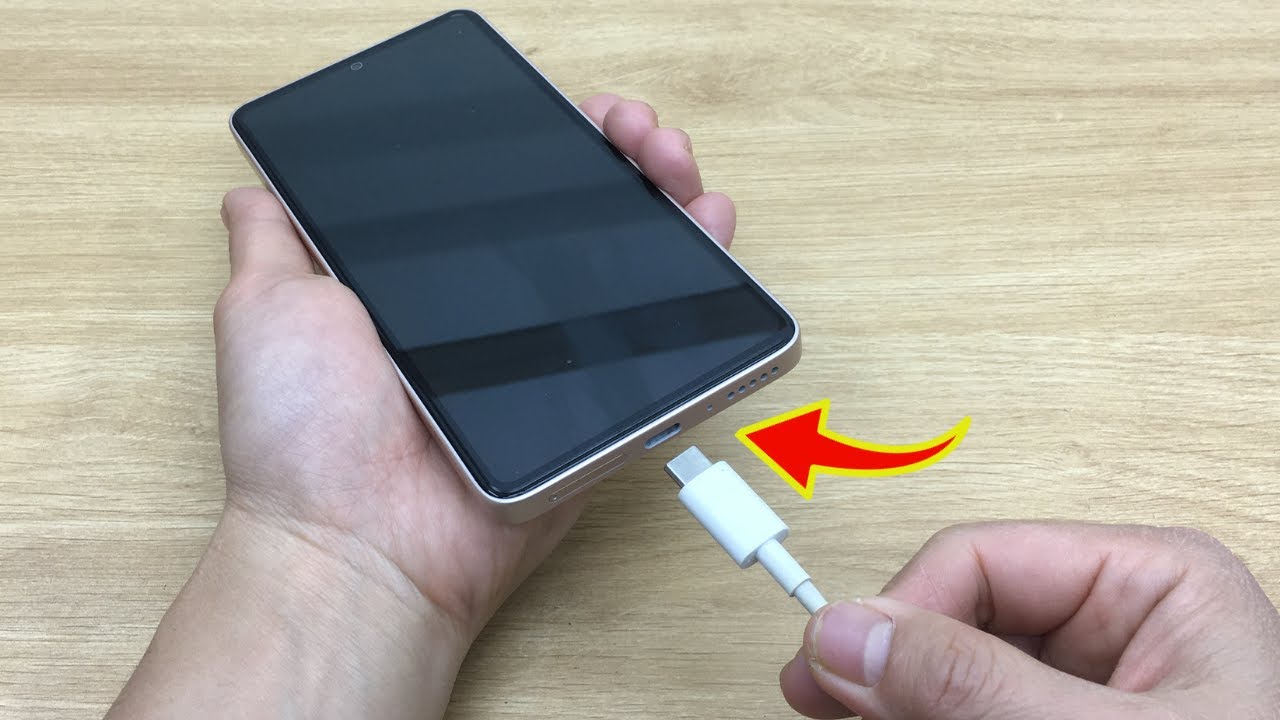
We’ve all been there — you plug in your phone and… nothing. No charging sound. No lightning bolt. Just frustration. But before you rush to buy a new cable or visit a repair shop, try this quick expert tip. It’s fast, easy, and often the only fix you need!
⚠️ Common Reason: Dirty or Blocked Charging Port
Over time, lint, dust, or tiny debris builds up inside your phone’s charging port — especially if you carry it in your pocket or bag. This stops the cable from making a proper connection, and your phone won’t charge.
✅ Expert’s Simple Fix (Takes 1 Minute)
🧰 What You’ll Need:
- A wooden toothpick or a plastic pick (never metal!)
- A flashlight (optional)
- A steady hand
🔧 Steps:
- Turn off your phone to be safe.
- Shine a light into the charging port — check for lint, dust, or buildup.
- Gently insert the toothpick and scrape along the inside edges of the port.
- Be careful not to damage the contacts inside.
- Pull out any visible debris. You might be surprised what’s hiding in there!
- Blow gently to remove remaining dust.
- Plug your charger back in — and watch the magic happen! 🔌⚡
✅ Bonus Tips:
- Use a soft toothbrush for extra cleaning if needed.
- If your phone still won’t charge, try a different cable and adapter.
- Restart your phone after cleaning — sometimes it resets charging recognition.
🚫 Avoid These Mistakes:
- Don’t use metal pins or needles — they can damage your port or short the phone.
- Don’t force anything into the port.
- Avoid compressed air cans — they can add moisture if not used correctly.
Simple. Safe. Effective.
Before you spend a cent, try this quick cleaning tip — it fixes charging issues for most people instantly. Sometimes, all your phone needs is a little clean-up to power back up! 🔋✨📱